How to Choose Paint Colors That Work Together in a Room
Explore another practical decor & diy guide.
Decor & DIY
A compact office can work well when comfort and boundaries come first.
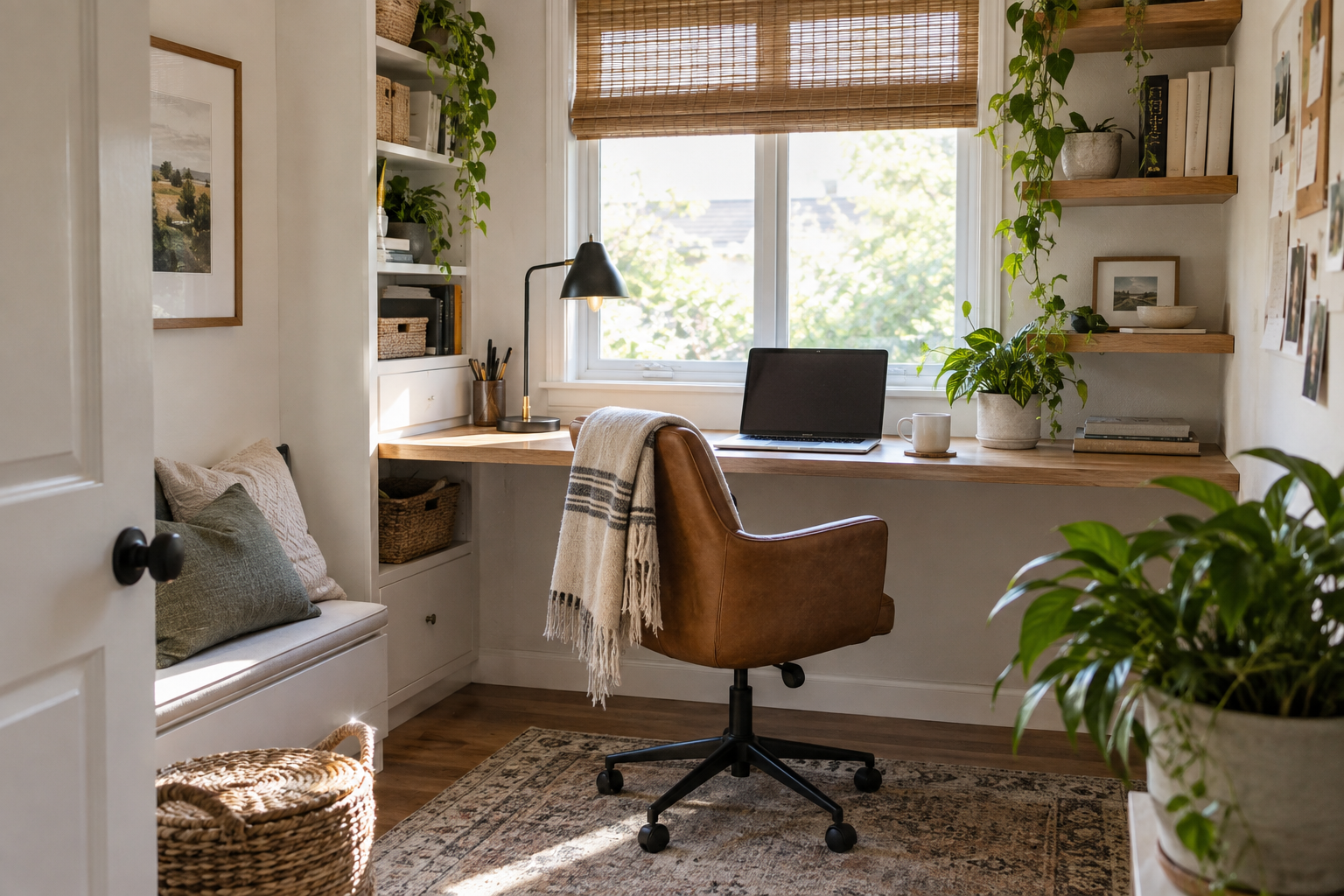
A compact office can work well when comfort and boundaries come first. A successful update starts with proportion, existing materials, and daily use. Small changes work best when they solve a visible problem rather than copy a temporary trend. In this guide, the practical focus is ergonomics, boundaries, and compact storage.
A small home office does not need a separate room, but it does need a work surface that supports the task, a safe power setup, and a way to put work away. Begin with the actual footprint and the kind of work you do most: laptop tasks, calls, handwriting, multiple monitors, creative work, or occasional administration. A compact setup succeeds when it protects comfort and makes it possible to stop working at the end of the day.
Measure the area, inspect the surfaces, and decide what must remain functional. Start by testing desk dimensions, chair clearance, and outlet locations before adding storage. For create a functional home office in a small space, the first step is to decide what a useful outcome looks like in this particular space.
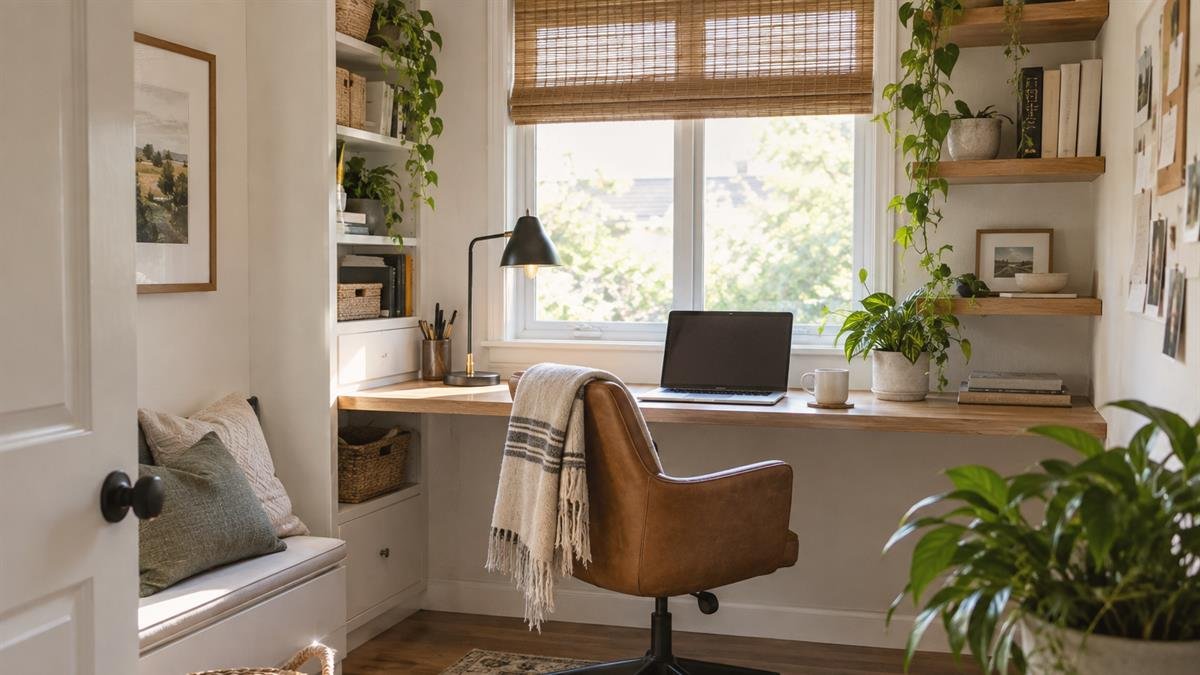
Use painter’s tape, paper, or a temporary arrangement before making a permanent change.
Stand back across the room; proportion is easier to judge from a few steps away.
Keep the route through the room clear while you work.
Choose hardware and materials for the actual surface, not just for the look you want.
Live with the change briefly before adding another layer.
Choose materials and fasteners for the actual wall, floor, or cabinet rather than appearance alone. Keep the work focused on contained cords and a clear route to the chair and door; pause before any change that affects building systems. For this project, return to the original purpose—ergonomics, boundaries, and compact storage—whenever a choice adds cost, complexity, or maintenance.
Measure the available width and depth, including chair movement and a clear path through the room. A desk should hold the equipment you use without forcing elbows into a wall or sending cords across a walkway. A folding surface can suit occasional work; regular daily work usually needs a more stable setup. Place the screen so glare from a window or lamp is reduced, and use a task light for reading or paperwork rather than straining under one overhead fixture.
Set the chair height so feet are supported and shoulders can relax while typing. The top of a monitor is commonly positioned near eye level, but the comfortable setting depends on the user and vision needs. Use a sturdy monitor stand or books designed to support the load, not a stack that can slide. Take regular movement breaks; no desk arrangement eliminates the need to change position during a long workday.
Use power strips and extension cords only as their safety instructions allow, and do not overload outlets or run cords under rugs where they can overheat or become damaged. Route cords along the back of furniture with appropriate organizers, leaving access to plugs and ventilation. Keep drinks away from electrical equipment and ensure a lamp or monitor cord does not create a trip hazard.
For video calls, choose a simple background or use a room angle that does not reveal private household information. Put the light in front of you or slightly to one side rather than directly behind you. Test camera framing and audio before an important meeting. A small headphone hook or drawer category can keep accessories accessible without leaving them across the desk.
Use one small drawer, file box, or vertical sorter for active papers, and store sensitive documents securely. Keep supplies limited to what the work actually requires. At the end of the day, close the laptop, clear dishes, file loose papers, and return the chair. A portable work caddy or a cabinet that closes can create a useful boundary when the desk shares a living room or bedroom.
A writer may need a quiet surface and good keyboard position, while a designer or analyst may need more screen area and a stable place for reference material. A person who works occasional calls may prioritize a fold-away desk and portable light. List the one or two tasks that take most of the week, then make those easy before adding equipment for rare situations. This prevents a small office from becoming a storage area for unused technology.
If you share the space, agree on quiet hours, seating, lighting, and where each person’s equipment goes. Use separate labelled bins or a drawer section rather than leaving chargers and papers mixed together. For a bedroom office, avoid making the bed the primary work surface; a defined desk, even a compact one, helps separate rest from work.
After a normal week, notice neck, wrist, back, or eye discomfort and adjust one variable at a time: screen height, chair position, lighting, or break frequency. Stop using damaged cords, unstable furniture, or overheated adapters. If pain persists or a workplace accommodation is needed, seek appropriate professional advice. A small office should support productive work without creating avoidable physical strain or household hazards.
In small home office, verify dimensions at the installation point, select hardware suitable for the wall or item, and test the arrangement during normal use before making an irreversible change.
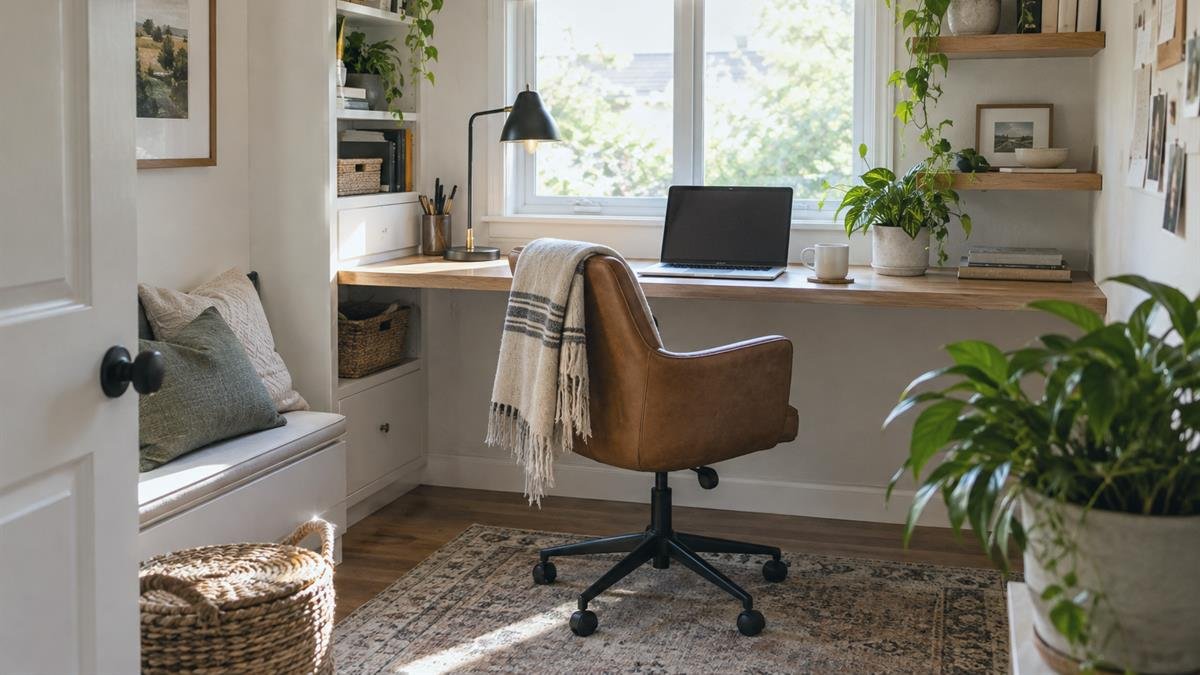
For mall ome ffice, judge the result after ordinary use: it should support the room's purpose without making access, cleaning, or maintenance harder.
Start with the tasks done most often: screen work, calls, writing, storage, or a shared surface. Place the screen to reduce glare, keep frequently used items within easy reach, and route cables so they do not cross a walkway or get pinched by furniture. Use manufacturer-approved power strips and do not overload outlets. A small office can share a room when work materials have a clear end-of-day home and the chair, desk height, and lighting are adjusted for the person using them.
If the space is shared, use a tray or rolling file box to remove work materials at the end of the day. Keep important documents out of view and use a privacy screen or headphones when calls require it. Review the setup after a week of real tasks, not after a staged photograph.